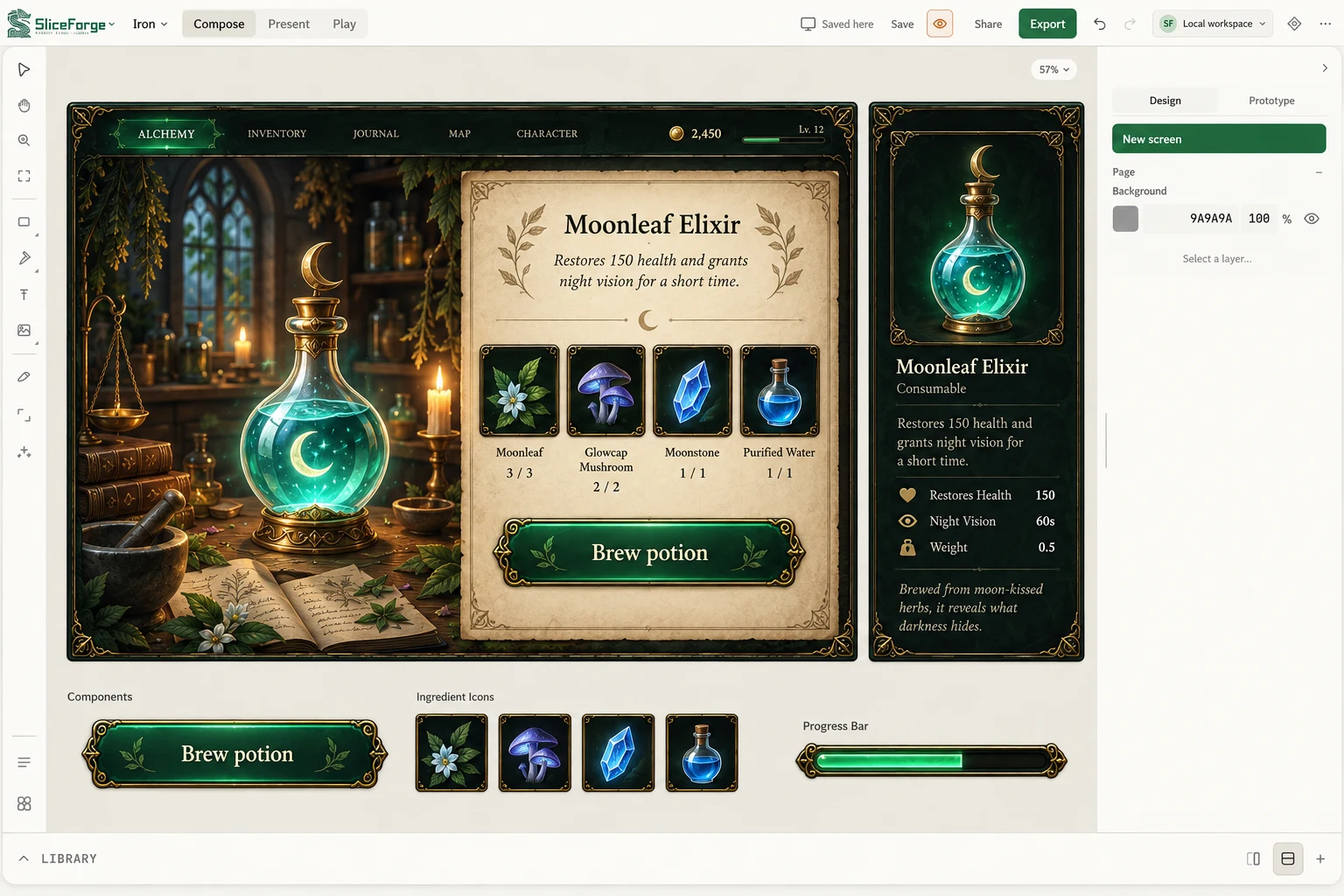
 REFERENCE → READY TO BUILD
SliceForge
Available · Free to startTurn visual references into editable game interfaces. Build screens, refine component states, and export your UI kit.
Explore SliceForge ↗ORIGINAL SOFTWARE / STRATEGIC SLOTH
Original software for game interfaces, creative workflows, and everyday production. Explore available releases, inspect working demos, or find a free tool for a small task.
REFERENCE → READY TO BUILDTurn visual references into editable game interfaces. Build screens, refine component states, and export your UI kit.
Explore SliceForge ↗Predictable controller navigation for Unreal Engine. Restore focus, track navigation paths, and keep the right widget in view.
Discover Focusrail ↗Your drive, organized like a workspace. Turn an external SSD into a desktop for files, projects, and music—with reliable transfers and native safe eject.
Meet DriveDeck ↗Write Your World. An infinite-canvas writing app for authors who think visually. Bring chapters, characters, and connected ideas into one creative workspace.
Meet NarriaFlow ↗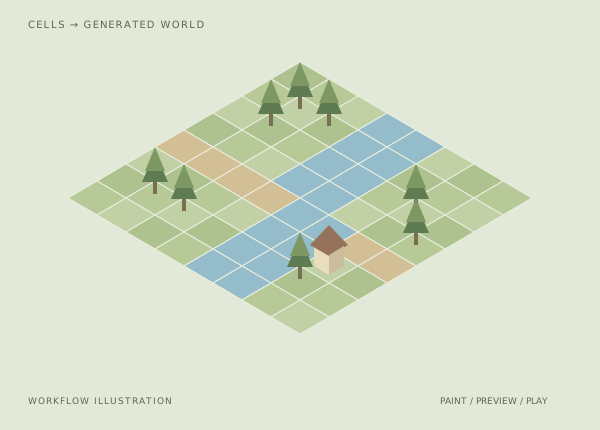
Paint a symbolic tile grid, preview a generated 2.5D/3D scene, and playtest the same world. The map-authoring surface in SliceForge Studio.
Explore World Editor ↗THE TOOLS / INSIDE THE WORK
Recorded interfaces, a runtime capture, and the design decisions behind the workflow.
DESKTOP WORKSPACE · AWAITING LAUNCH
From plugging in to packing up.
A portable workspace has a beginning and an end: connect the drive, organize the work, manage transfers, and disconnect safely.
The design focus is continuity across that whole journey. Organization, transfer status, and safe eject belong in the same workspace.
VISUAL WRITING · RECORDED DEVELOPMENT DEMO
A story you can see taking shape.
Watch connected scene cards, switch to an ordered outline, and inspect character details in a real recorded writing workspace.
The canvas supports relationships; the outline supports sequence. Keeping both views within reach gives the author different ways to work with the same story.
UNREAL ENGINE · ACTUAL RUNTIME SCREENSHOT
Make navigation visible.
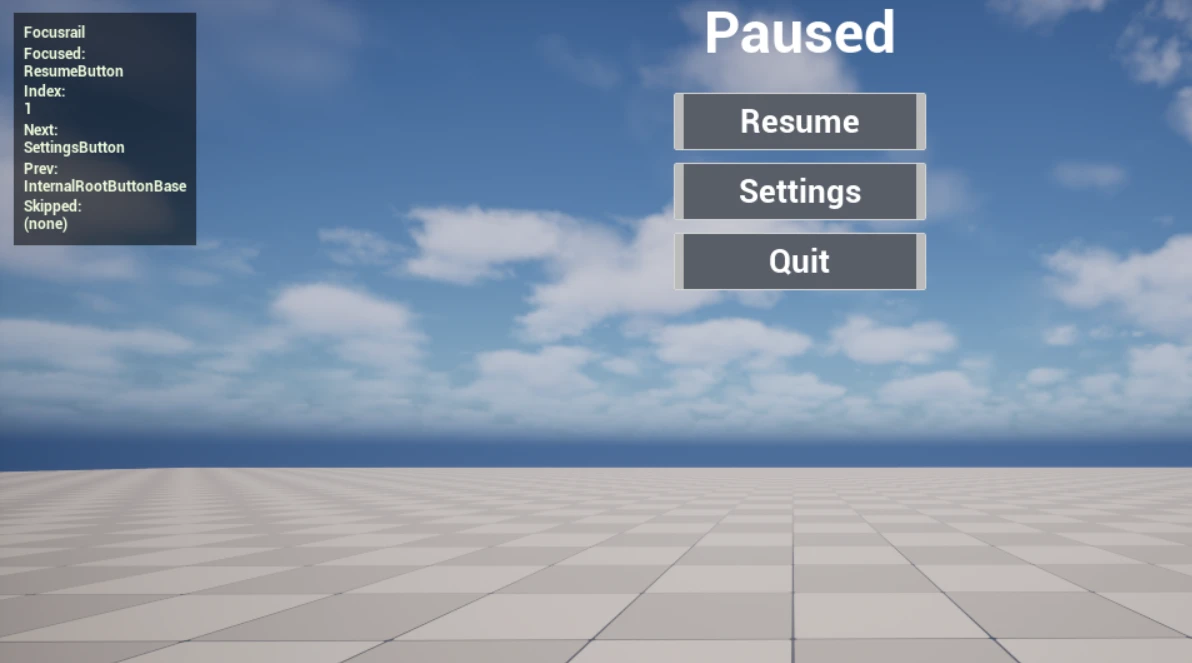
The runtime overlay names the focused widget, its rail index, and the next and previous targets beside the running pause menu.
Expose focus behavior directly in the interface being tested. Designers and developers can inspect the navigation path while checking the menu.
WORLD AUTHORING · RECORDED DEVELOPMENT DEMO
Paint the map. Inspect the world.
A real development recording places the editable cell grid beside the generated 3D preview, with terrain tools and a prop shelf around the work.
Keep the authoring decisions and their spatial result visible together. The painted grid remains the source while the preview lets you inspect the generated scene.
SPATIAL WEB APP · SYNTHETIC PROPERTY DEMO
Turn a plan into a place.
A connected 2D/3D property application brings floor-plan structure, furnished spaces, and walkthrough presentation together.
Keep geometry review and presentation review connected but distinct. A convincing walkthrough should sit beside the plan that defines the building.
BUILD SOMETHING GOOD
Original software developed and published by Strategic Sloth LLC.
Explore our original games →GAME UI PACKS / COMING NEXT
Original interface packs from Strategic Sloth.
Thoughtful screens. Consistent components.
The small details that make play feel right.
A new collection in planning. These are visual direction studies; packs are not available to purchase yet.
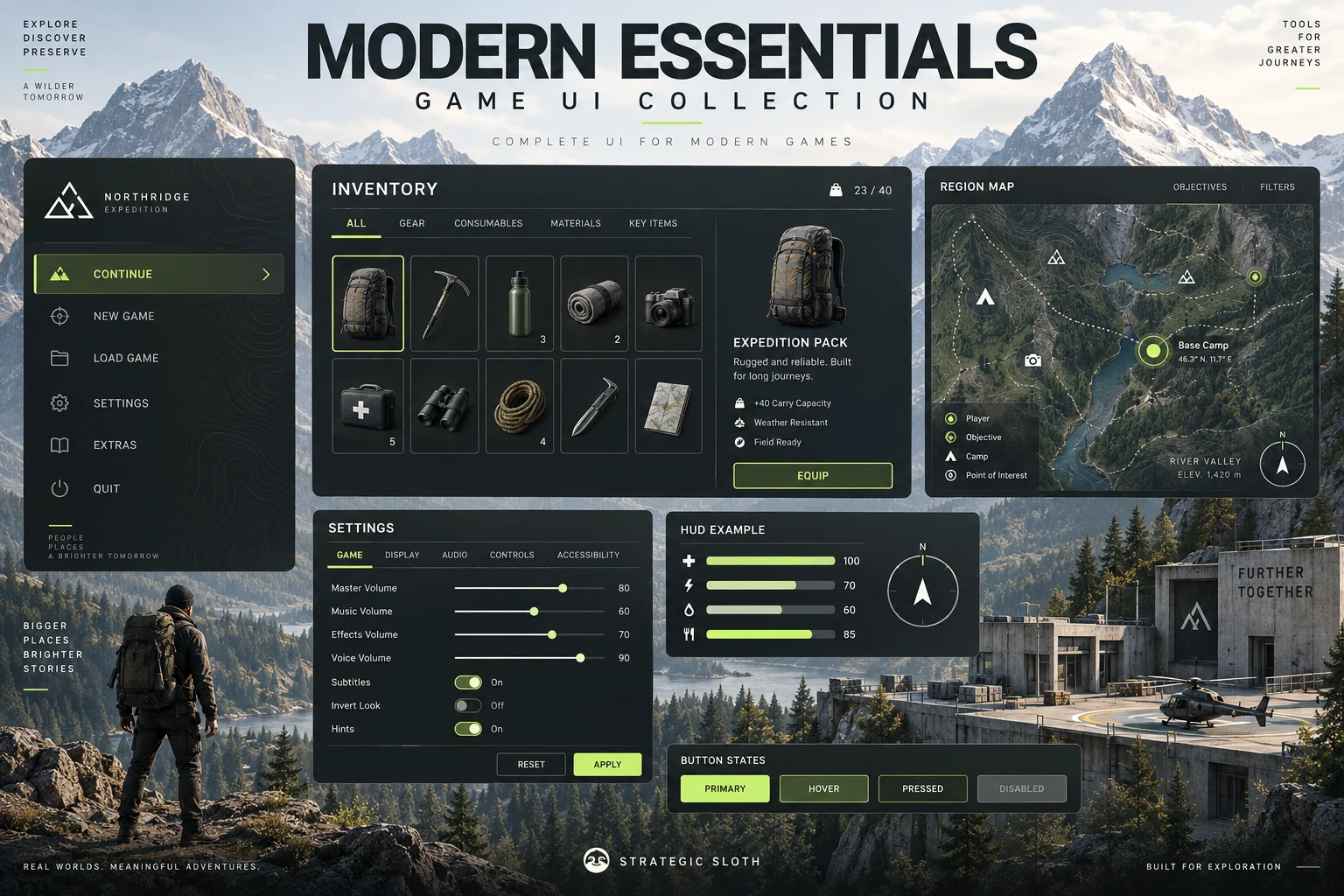 COLLECTION MOCKUPS · EXPLORE PACK ↗
Explore 24 mockups covering menus, gameplay, inventory, maps, settings, and the details between.
Explore pack details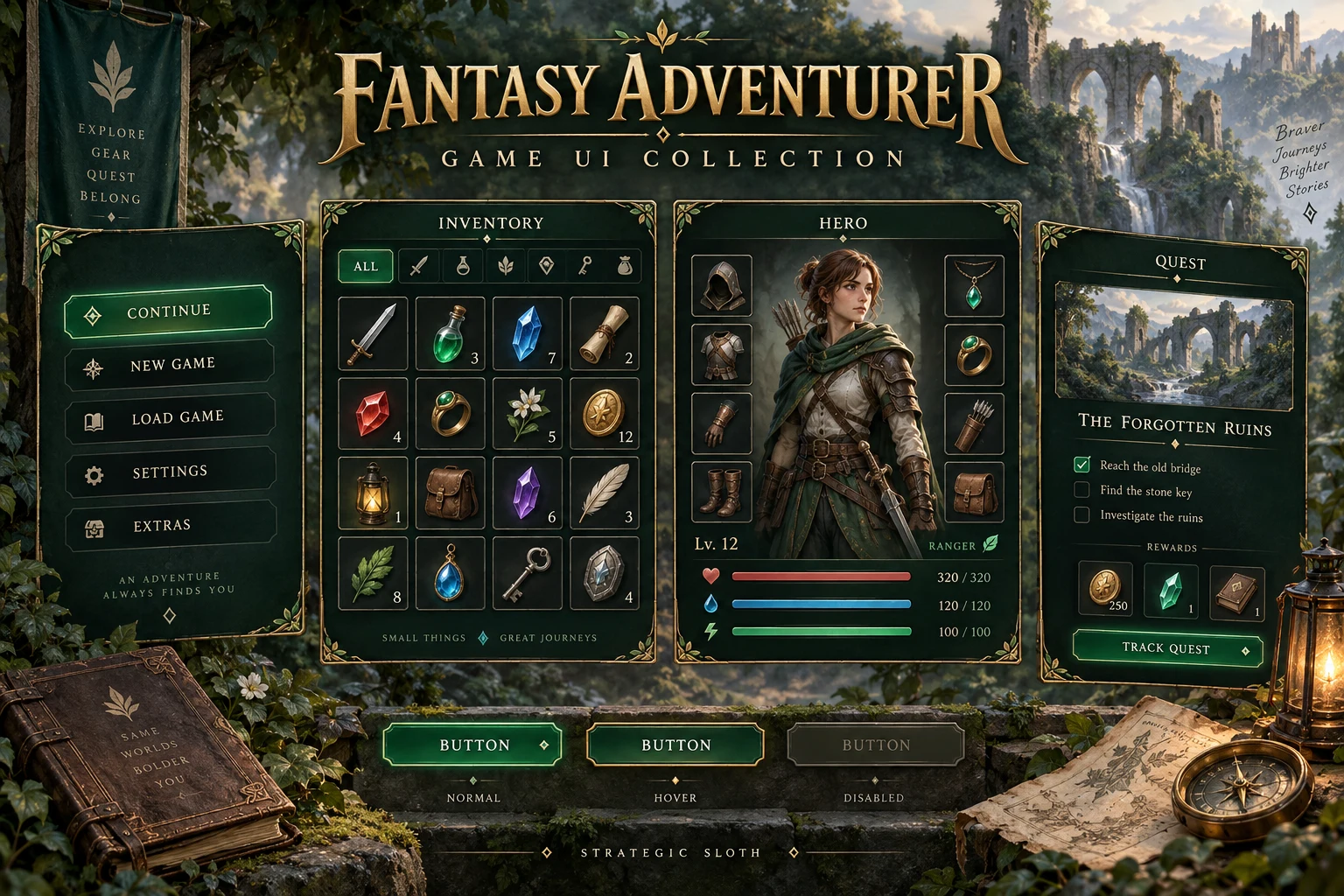 COLLECTION MOCKUPS · EXPLORE PACK ↗
A cohesive direction for inventories, equipment, quest logs, and player HUDs.
Explore pack details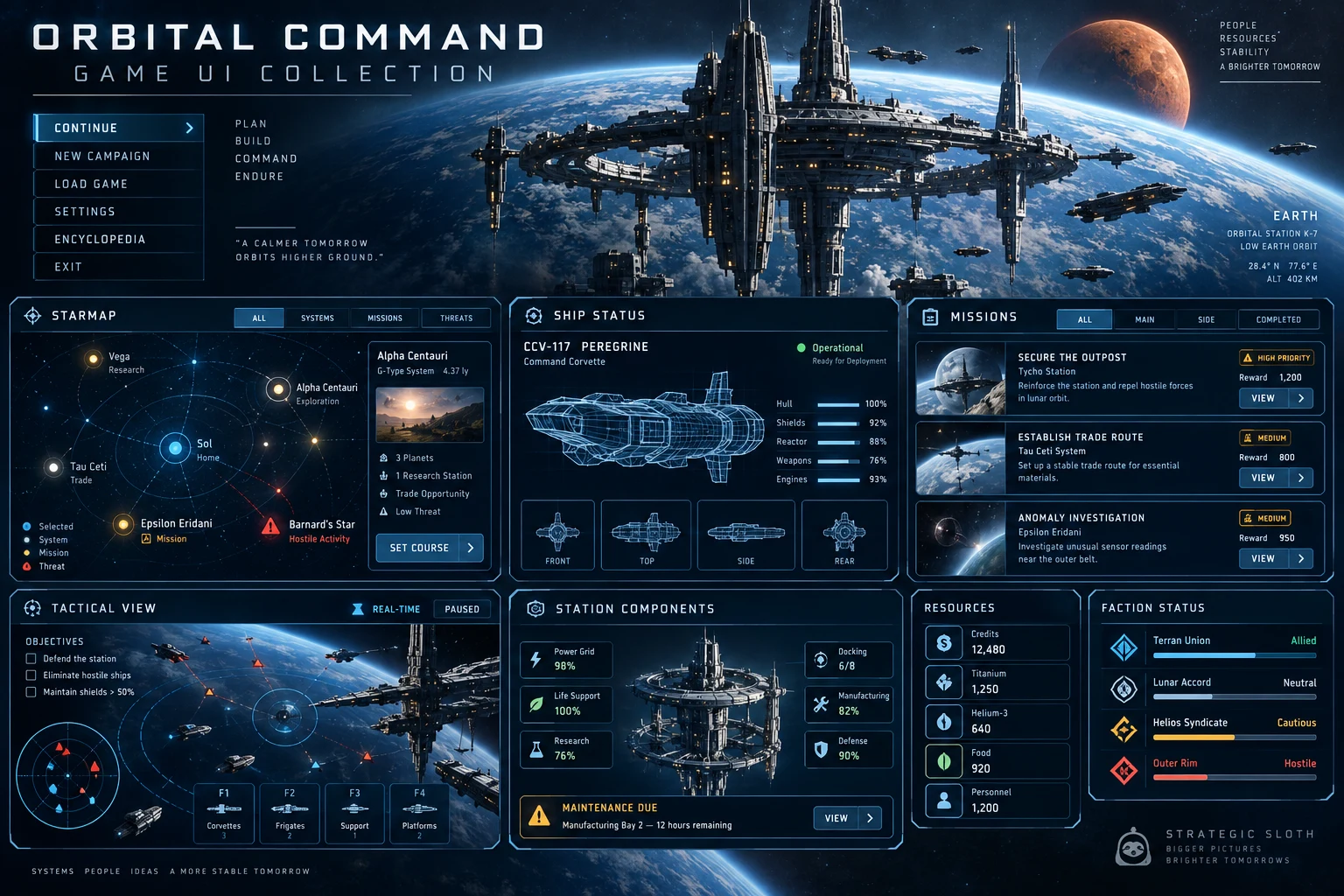 COLLECTION MOCKUPS · EXPLORE PACK ↗
Explore 29 mockups covering missions, ship systems, crew, navigation, tactical HUDs, and supporting controls.
Explore pack details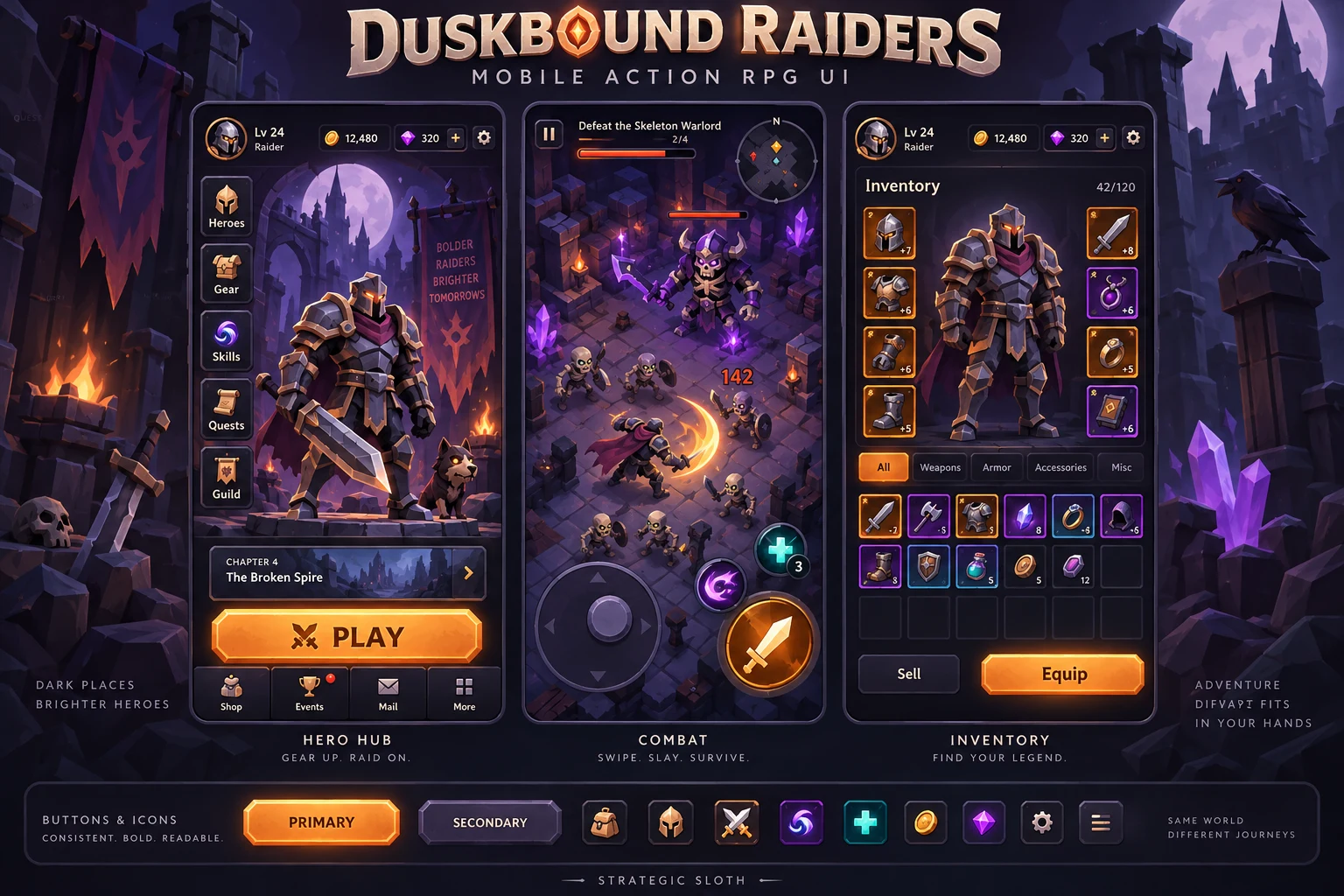 COLLECTION MOCKUPS · EXPLORE PACK ↗
24 previews of chunky low-poly dark fantasy: touch combat, heroes, loot, bosses, and camp progression.
Explore pack details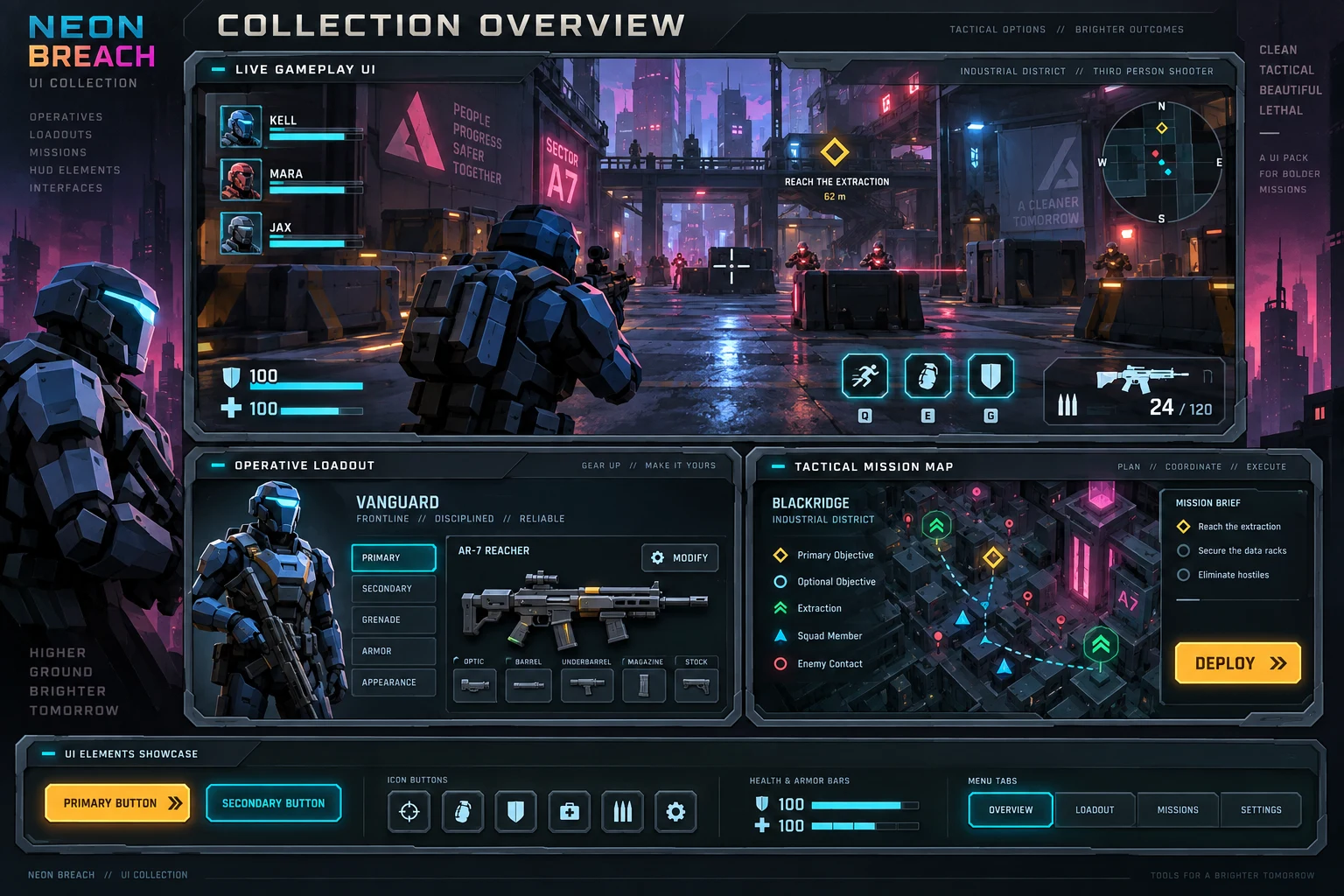 COLLECTION MOCKUPS · EXPLORE PACK ↗
24 chunky low-poly sci-fi previews: cyberpunk combat HUDs, operatives, loadouts, squad deployment, and tactical feedback.
Explore pack details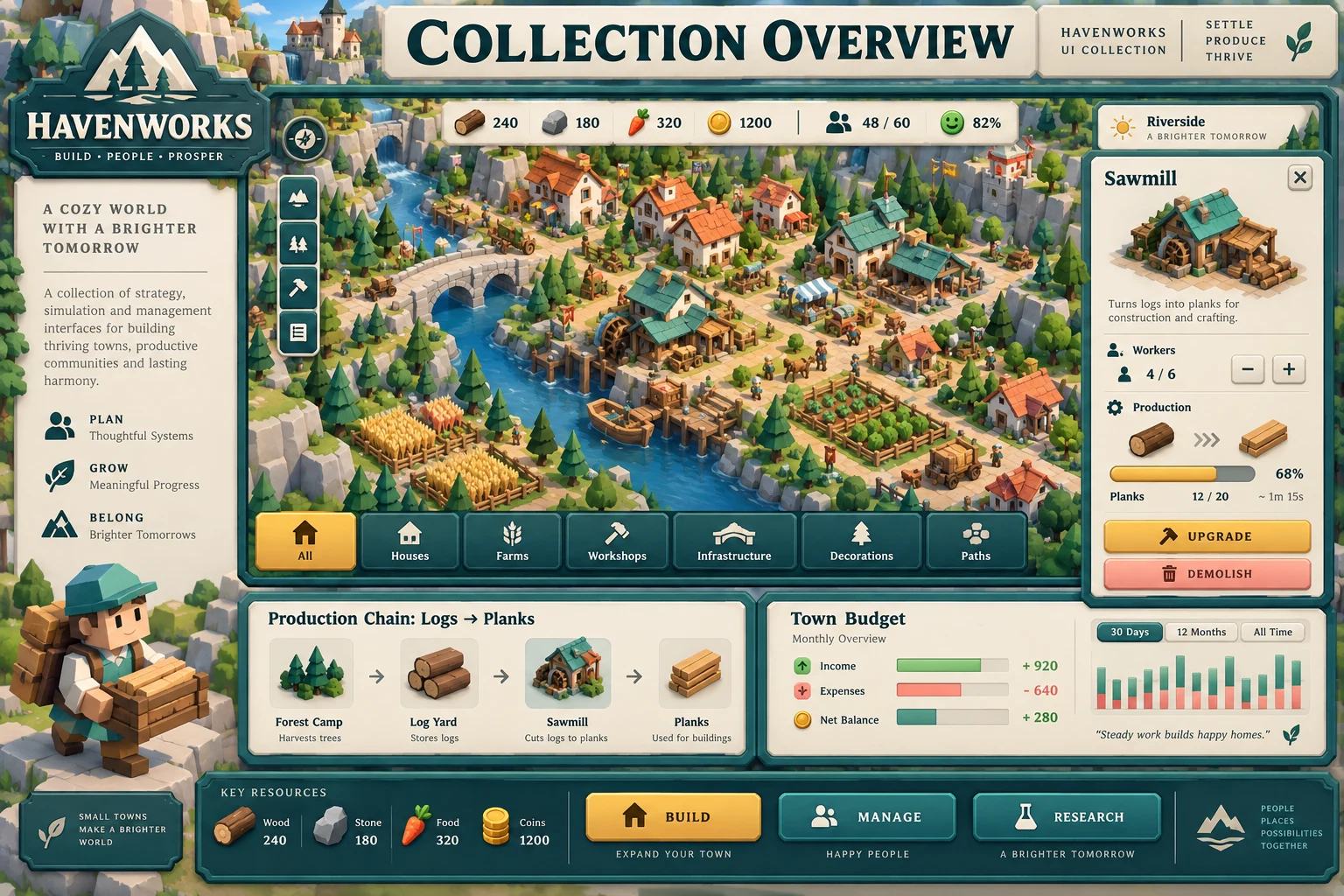 COLLECTION MOCKUPS · EXPLORE PACK ↗
24 chunky low-poly previews for strategy and simulation: building, production, logistics, citizens, budgets, and research.
Explore pack details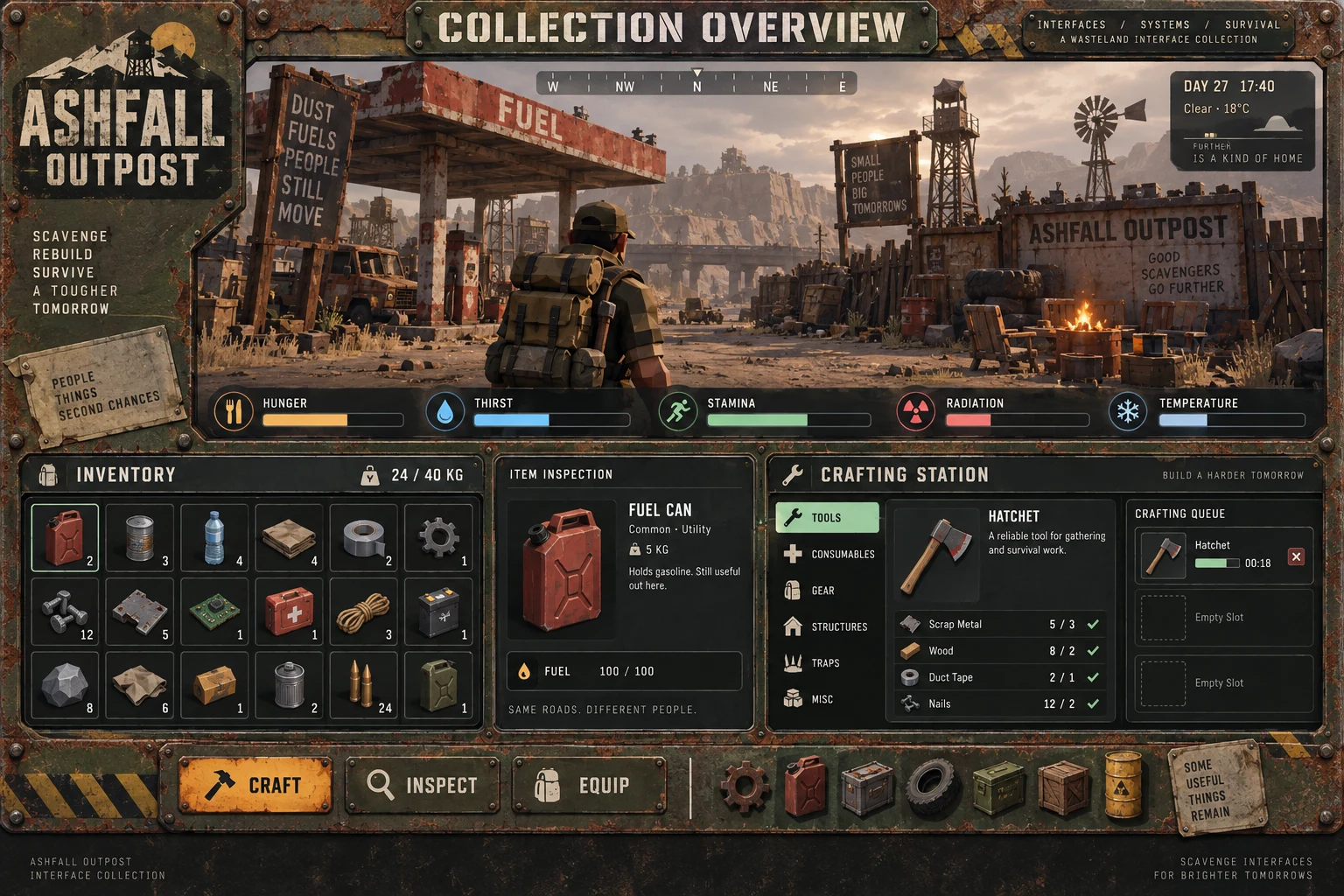 COLLECTION MOCKUPS · EXPLORE PACK ↗
24 chunky low-poly wasteland previews: rusted panels, weighted inventories, survival vitals, crafting queues, and shelter systems.
Explore pack details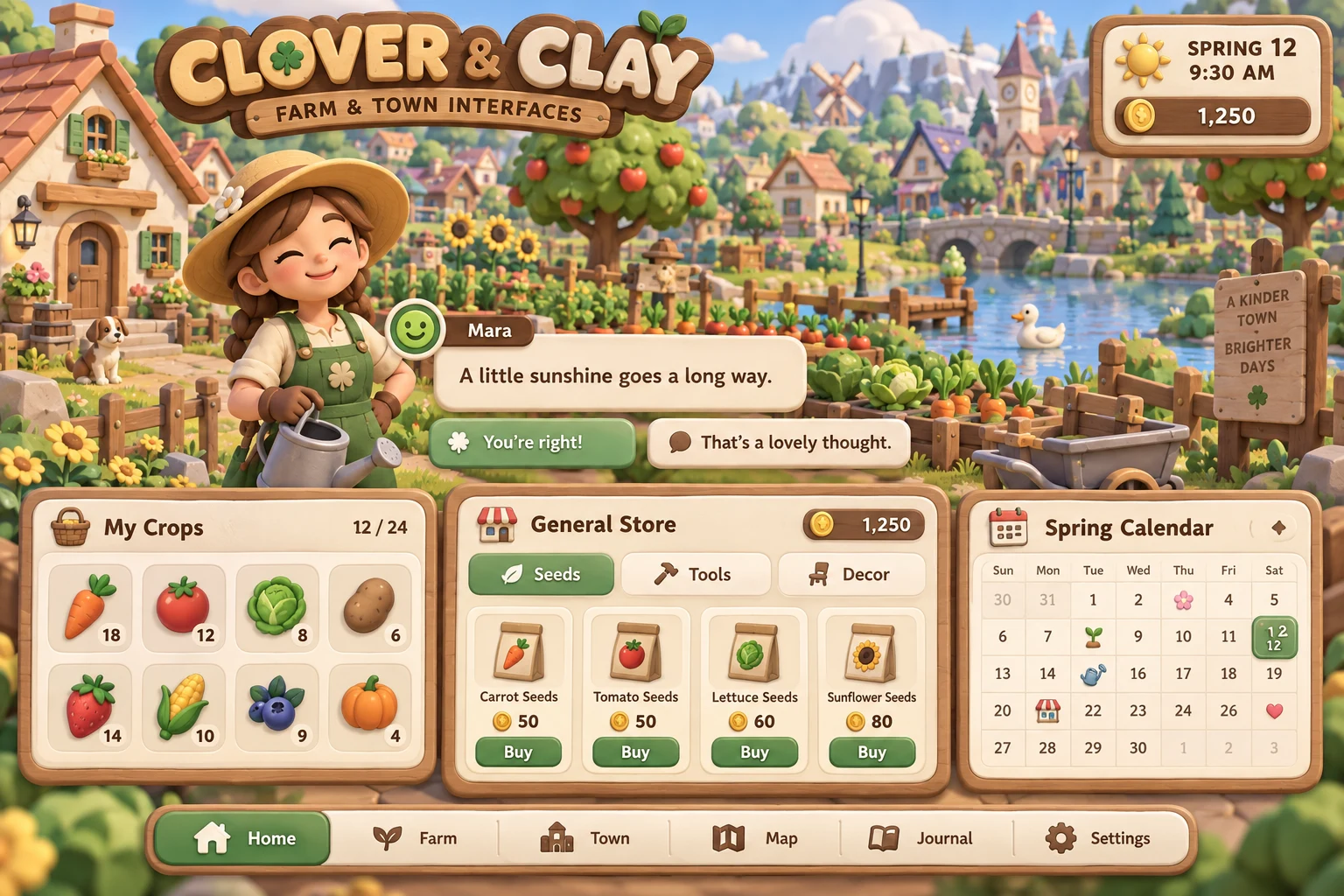 COLLECTION MOCKUPS · EXPLORE PACK ↗
24 warm, rounded low-poly previews for cozy farming and town games: friendly dialogue, seasonal calendars, shops, crops, animals, and home decorating.
Explore pack details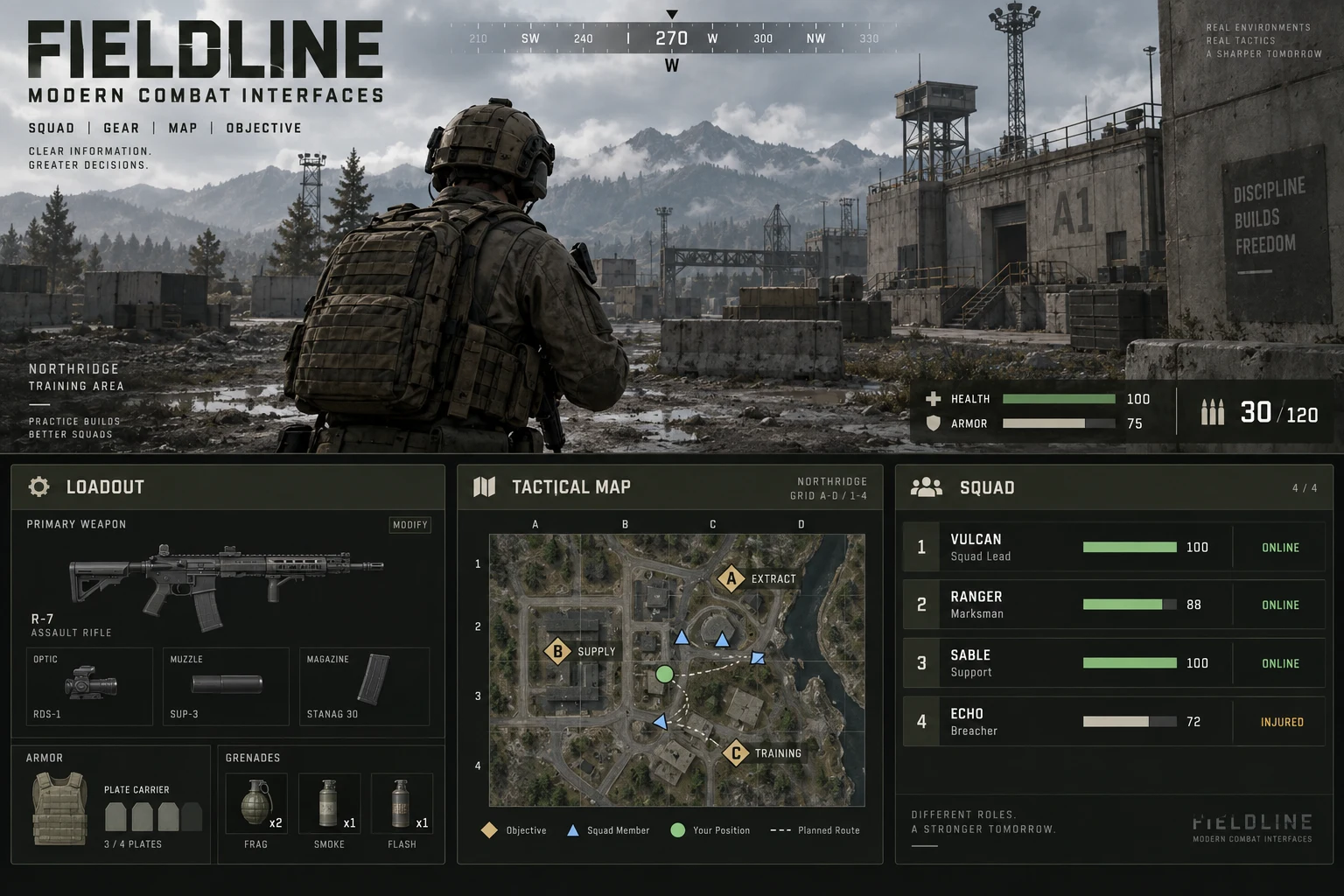 COLLECTION MOCKUPS · EXPLORE PACK ↗
24 grounded military interface previews: restrained combat HUDs, weapon attachments, armor plates, tactical maps, and squad status.
Explore pack details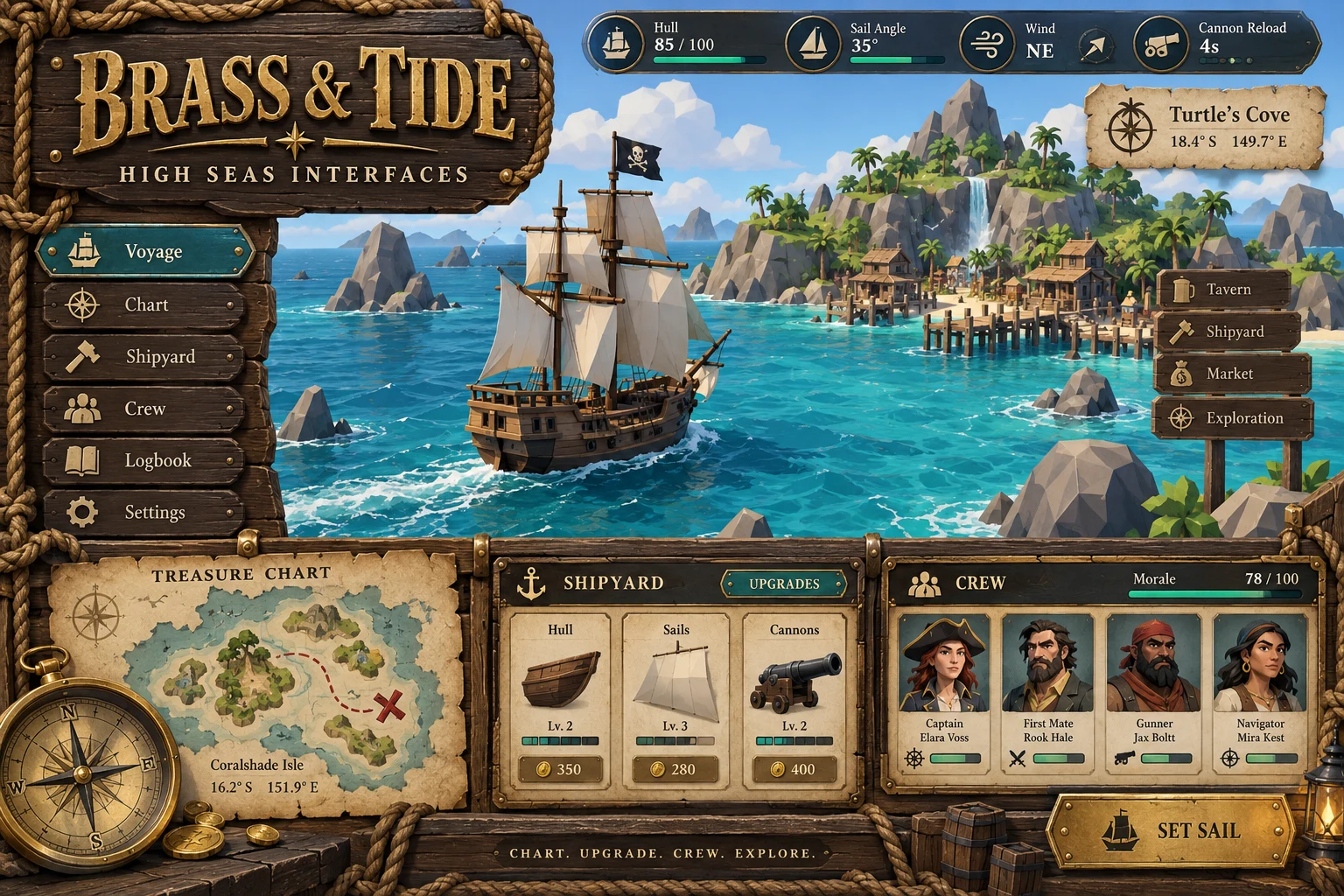 COLLECTION MOCKUPS · EXPLORE PACK ↗
24 nautical low-poly previews: ship HUDs, treasure charts, bounty logs, shipyard upgrades, crew management, and port trading.
Explore pack detailsMEET THE TOOL BEHIND THE WORKFLOW
Arrange editable screens, refine component states, and export assets and layout data for your game’s implementation.
04 / A LITTLE STUDIO, OFFLINE
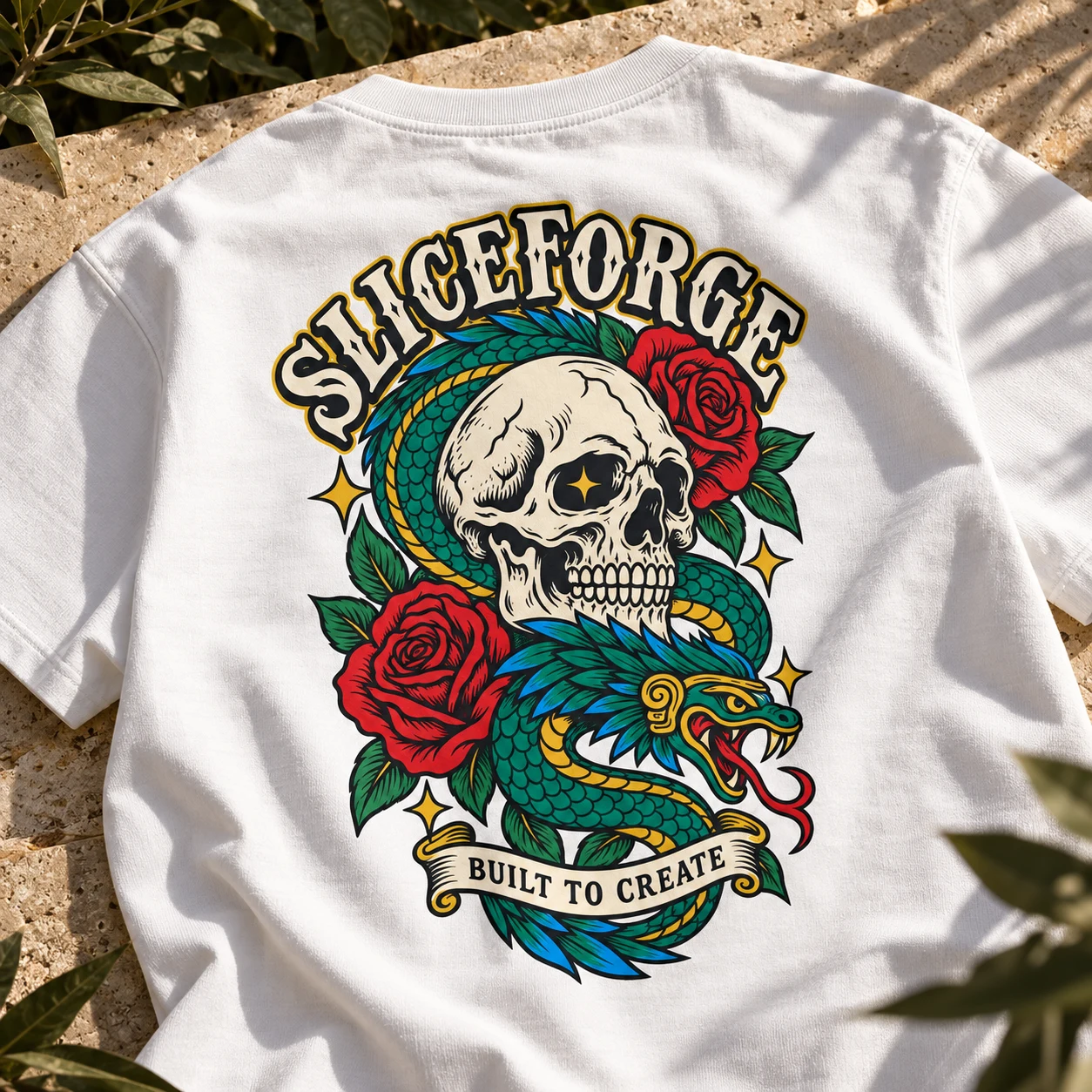
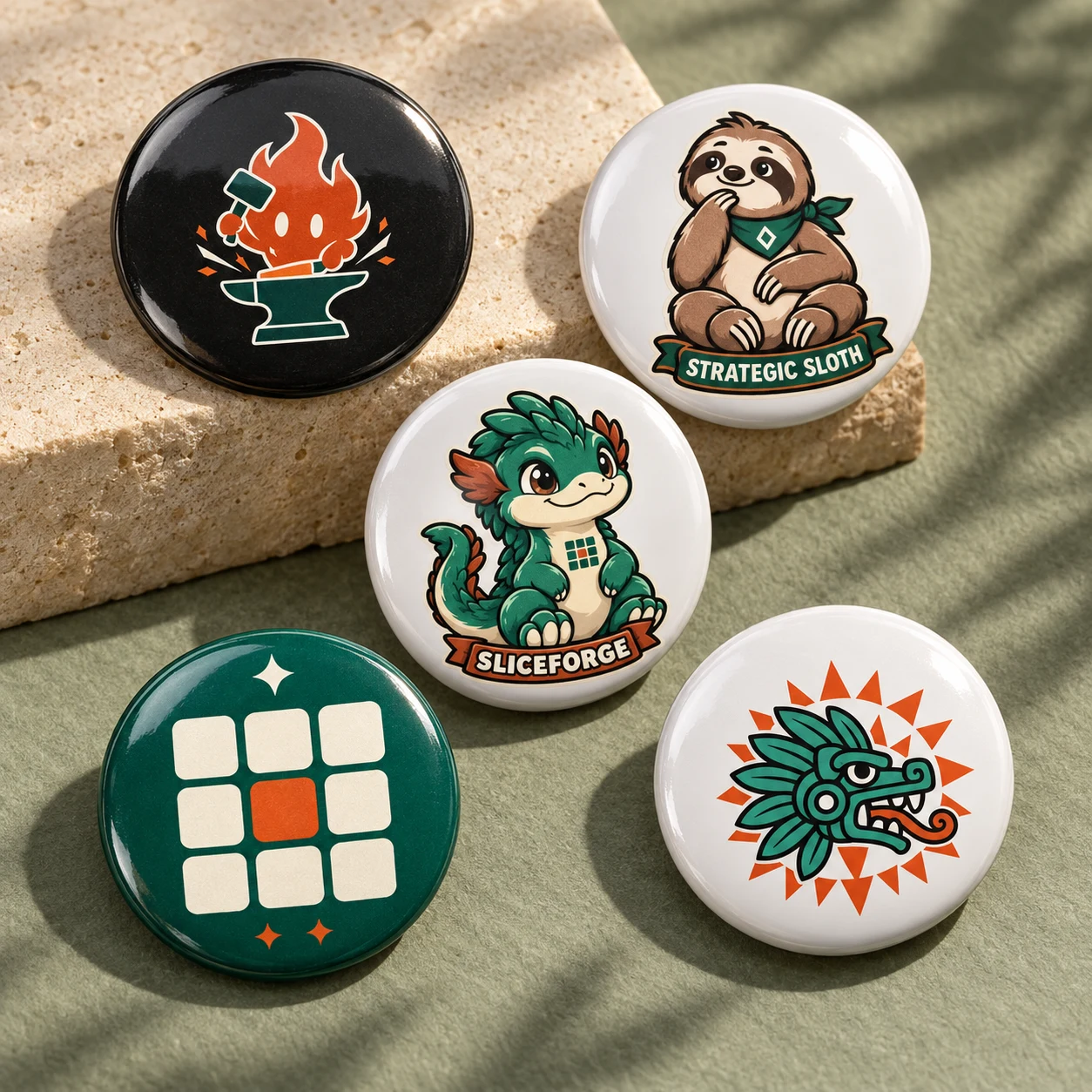
Bold back prints. Little creatures.
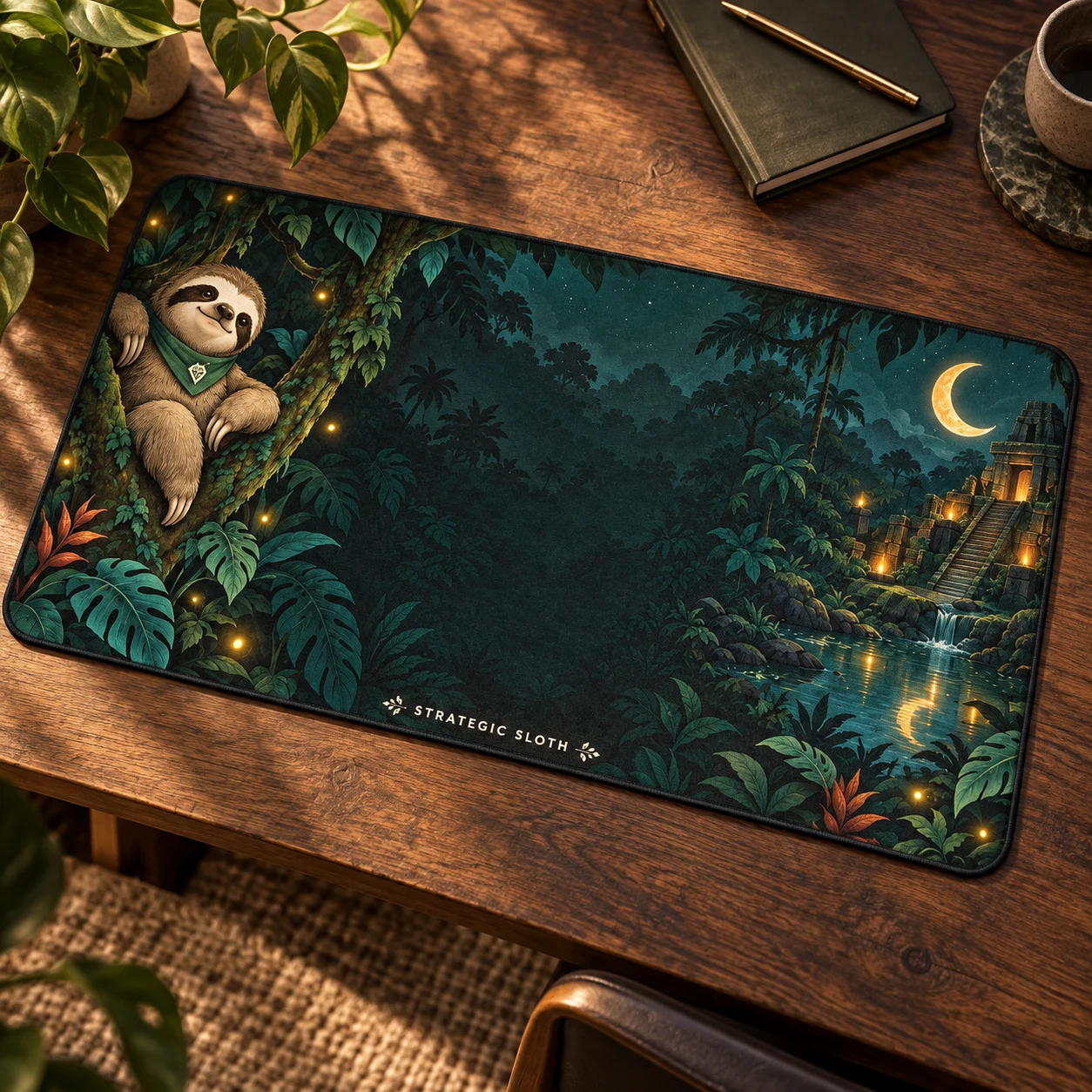
A world of detail for your everyday.
From our SliceForge collection.
Shop and check out on Fourthwall.
Automatic assistant. It answers only from approved info and passes anything else to Rémi.
AssistantHi! Ask me about our services, prices or the 24/7 auto-reply. This is the same assistant we set up for businesses.