
Widget architecture
C++ base classes with BindWidget, so layout stays in the designer and logic stays reviewable in source control.
Unreal Engine · UI design & implementation
Widget architecture, CommonUI input routing, focus navigation and UI materials, built in C++ where it matters and left in Blueprint where designers need to iterate.
Shipped · Focusrail on Fab
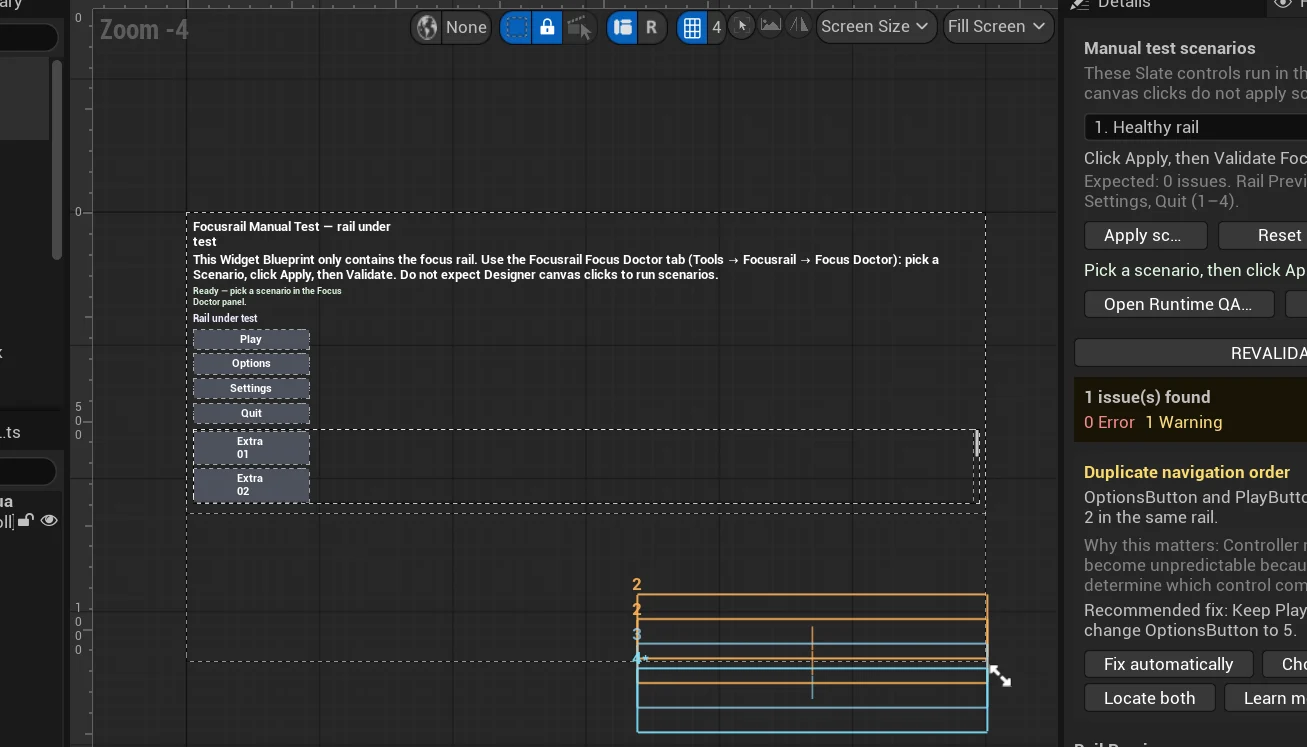
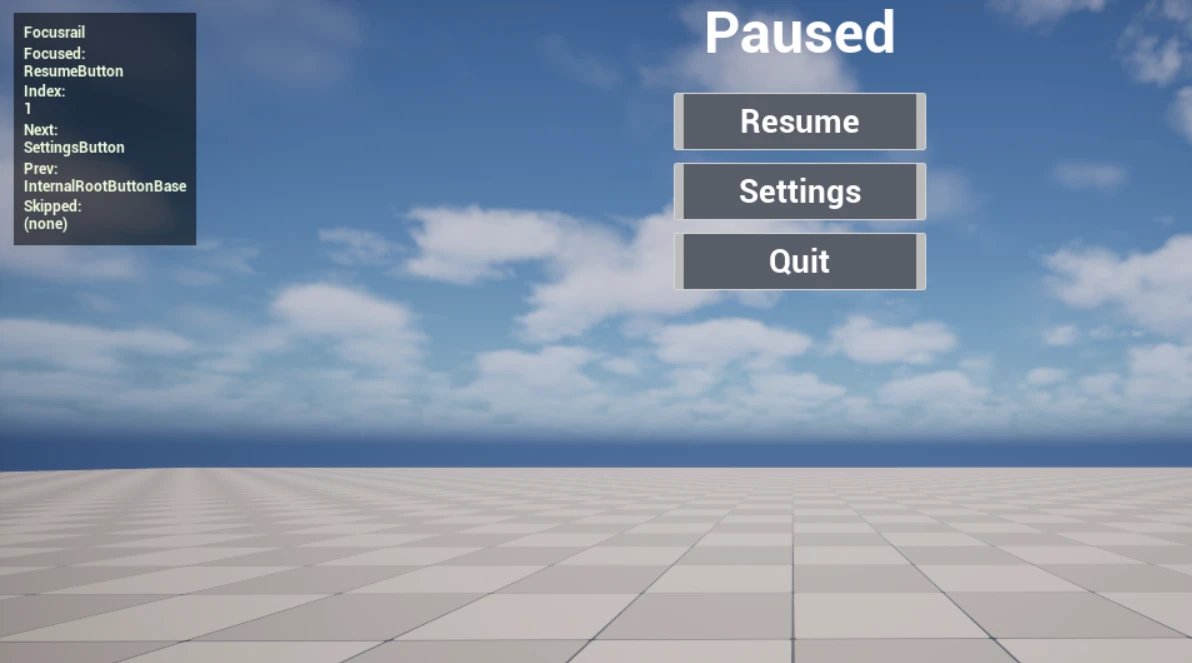
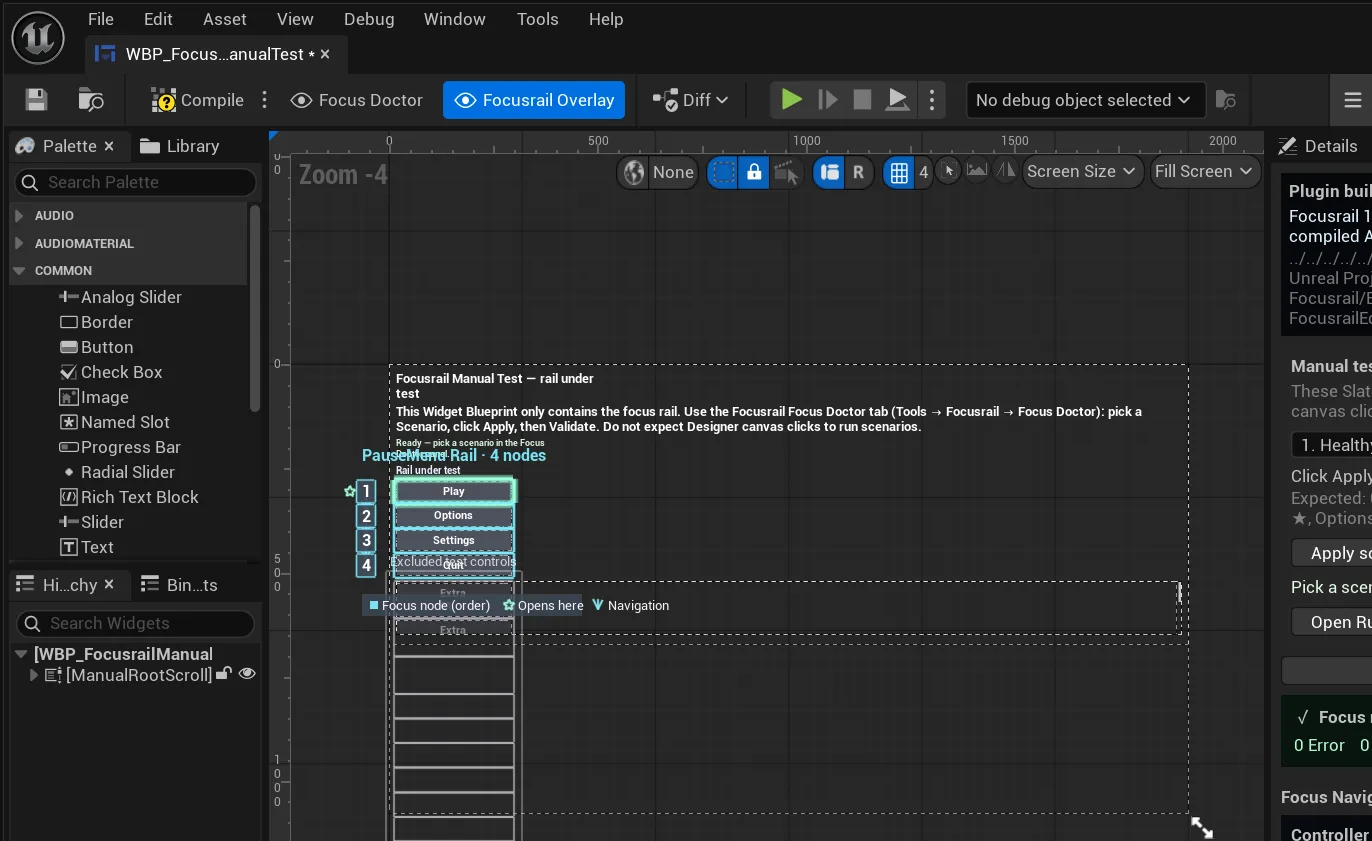
Focusrail is a UMG navigation plugin we built and sell. It exists because controller focus is where Unreal menus most often break.
What we do in Unreal
Native frameworks, used as intended, so your engineers inherit something familiar.
C++ base classes with BindWidget, so layout stays in the designer and logic stays reviewable in source control.
CommonUI activatable stacks, input routing per layer, and predictable controller focus across menus, popups and scroll boxes.
Material-driven fills, masks and glows, with widget animations and sequenced transitions tuned to a timing spec.
Invalidation boxes, retainer panels where they pay off, and Slate and Unreal Insights passes against a UI frame budget.
In code
The same component in every runtime: a health bar whose ghost segment waits 450 ms, then drains over 600 ms. It is the bar running in the demo at the top of this page.
// Layout and styling stay in the Widget Blueprint; behaviour lives in C++.
UCLASS()
class UHealthBarWidget : public UUserWidget
{
    GENERATED_BODY()
public:
    UFUNCTION(BlueprintCallable) void SetHealth(float NewPct);
protected:
    virtual void NativeTick(const FGeometry& Geo, float Dt) override;
    UPROPERTY(meta=(BindWidget)) TObjectPtr<UProgressBar> Fill;
    UPROPERTY(meta=(BindWidget)) TObjectPtr<UProgressBar> Ghost;
    UPROPERTY(Transient, meta=(BindWidgetAnim)) TObjectPtr<UWidgetAnimation> HitFlash;
    UPROPERTY(EditAnywhere) float GhostDelay = 0.45f;
    UPROPERTY(EditAnywhere) float GhostSpeed = 1.f / 0.6f;
private:
    float Target = 1.f, Hold = 0.f;
};

void UHealthBarWidget::SetHealth(float NewPct)
{
    NewPct = FMath::Clamp(NewPct, 0.f, 1.f);
    if (NewPct < Target) { Hold = GhostDelay; PlayAnimation(HitFlash); }
    Target = NewPct;
    Fill->SetPercent(Target);
}

void UHealthBarWidget::NativeTick(const FGeometry& Geo, float Dt)
{
    Super::NativeTick(Geo, Dt);
    if ((Hold -= Dt) > 0.f) return;
    Ghost->SetPercent(FMath::FInterpConstantTo(Ghost->GetPercent(), Target, Dt, GhostSpeed));
}
A trimmed sample to show structure and approach. Compare all five runtimes →
Covered as standard
Real builds
Each tile says what it is: recorded gameplay, an editor capture, or a product screenshot.
Other runtimes
The design system and motion spec stay the same. Only the implementation changes.
Unreal Engine
Send a screenshot, a recording or a build, with your target platforms and dates. You will get a straight answer on fit and scope.